 LingoSprout
A gentle vocabulary app for ages 2+
LingoSprout
First words, three languages.
Big pictures, gentle audio, and no ads—one calm place for little learners to grow their first words in English, German, and Albanian. It works offline, needs no reading, and keeps progress on the device.
How it works
Grow words through play.
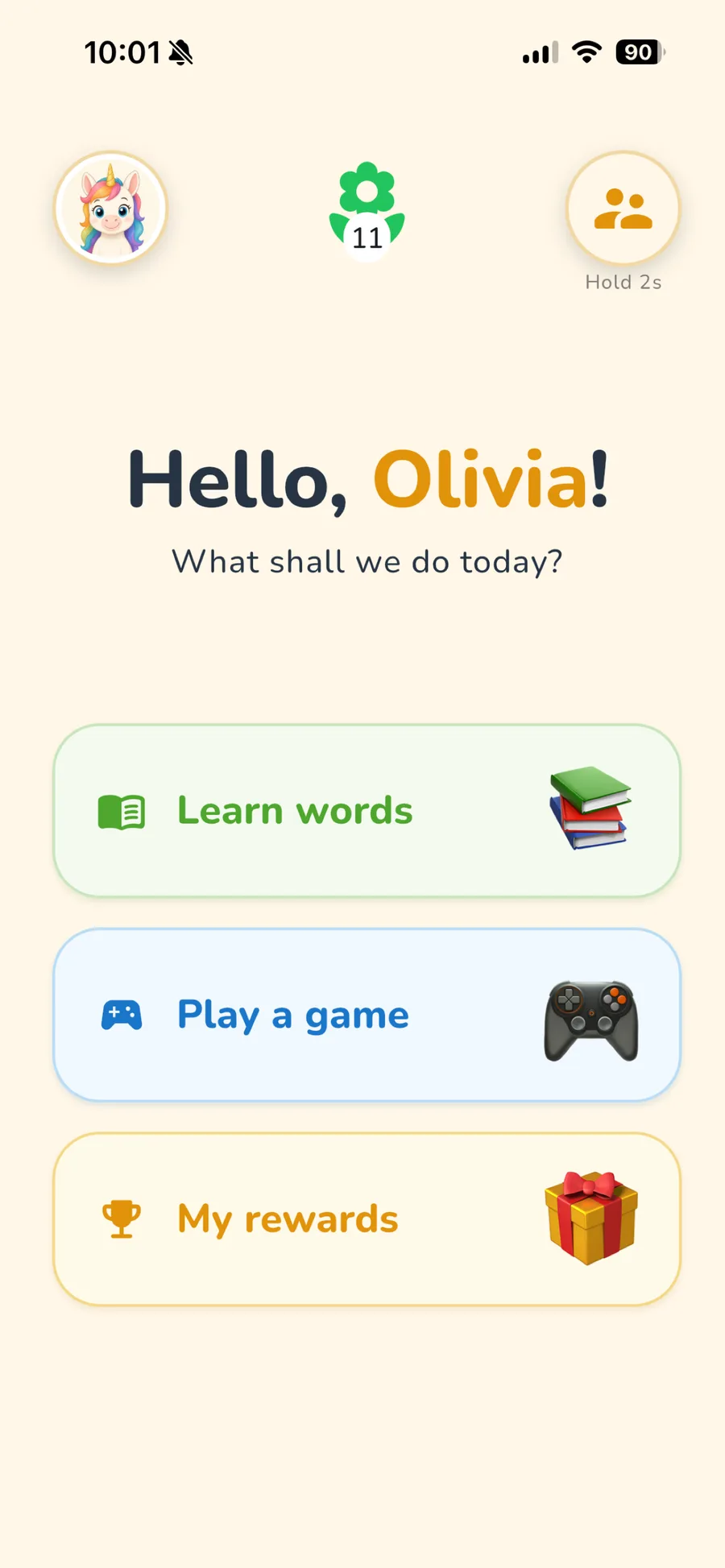
Home is a simple hub. Little learners tap one big button, then move forward with Back—no bottom tab bar to navigate.
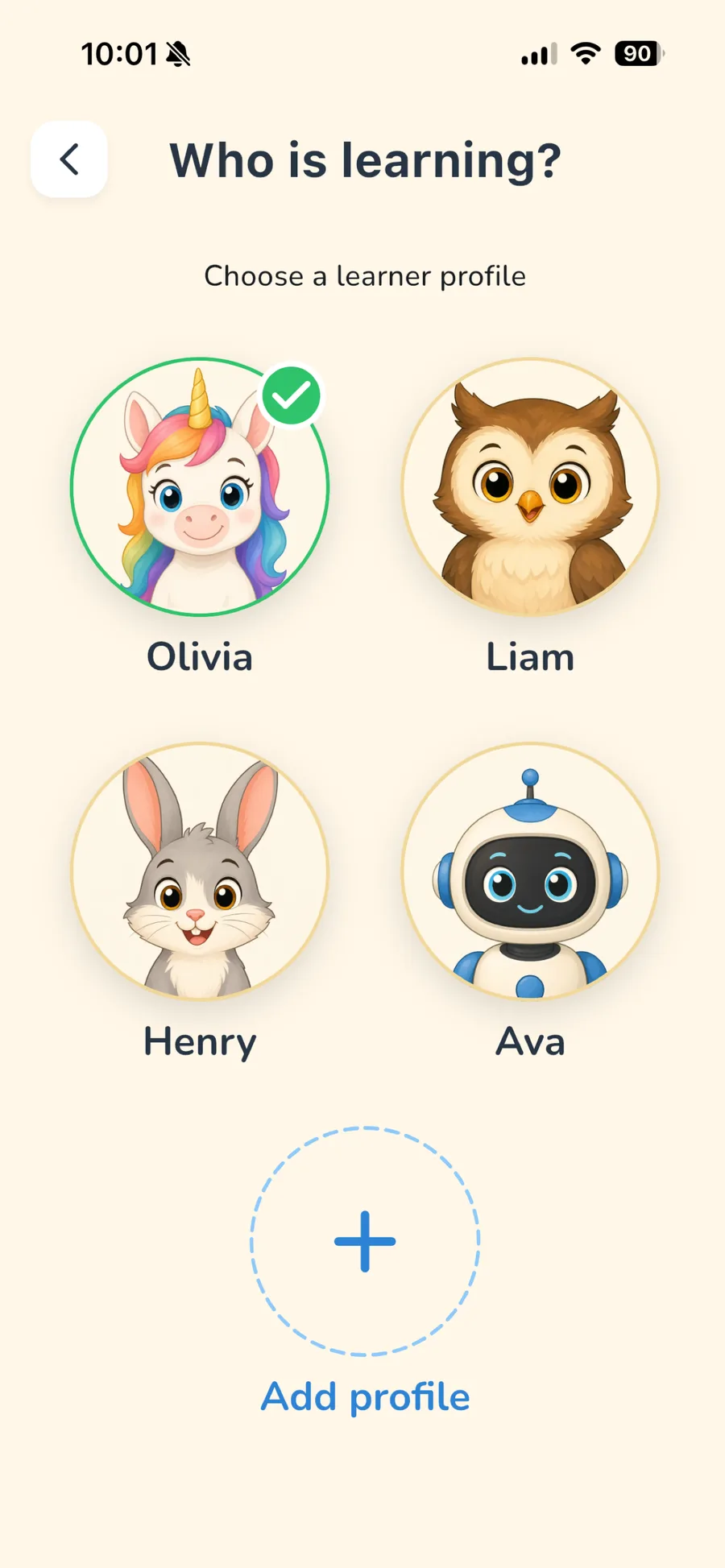
Choose a sprout
Pick a friendly avatar for each little learner—up to 8 on one device.
Learn words
From Home, open Learn words and tap big picture cards to hear every new word.
Play a game
Find the picture in quizzes that cheer every try—and revisit tricky words in Practice.
My rewards
Grow stars, badges, and a kind streak flower without pressure.
Inside LingoSprout
Everything a little linguist needs.
Learn words
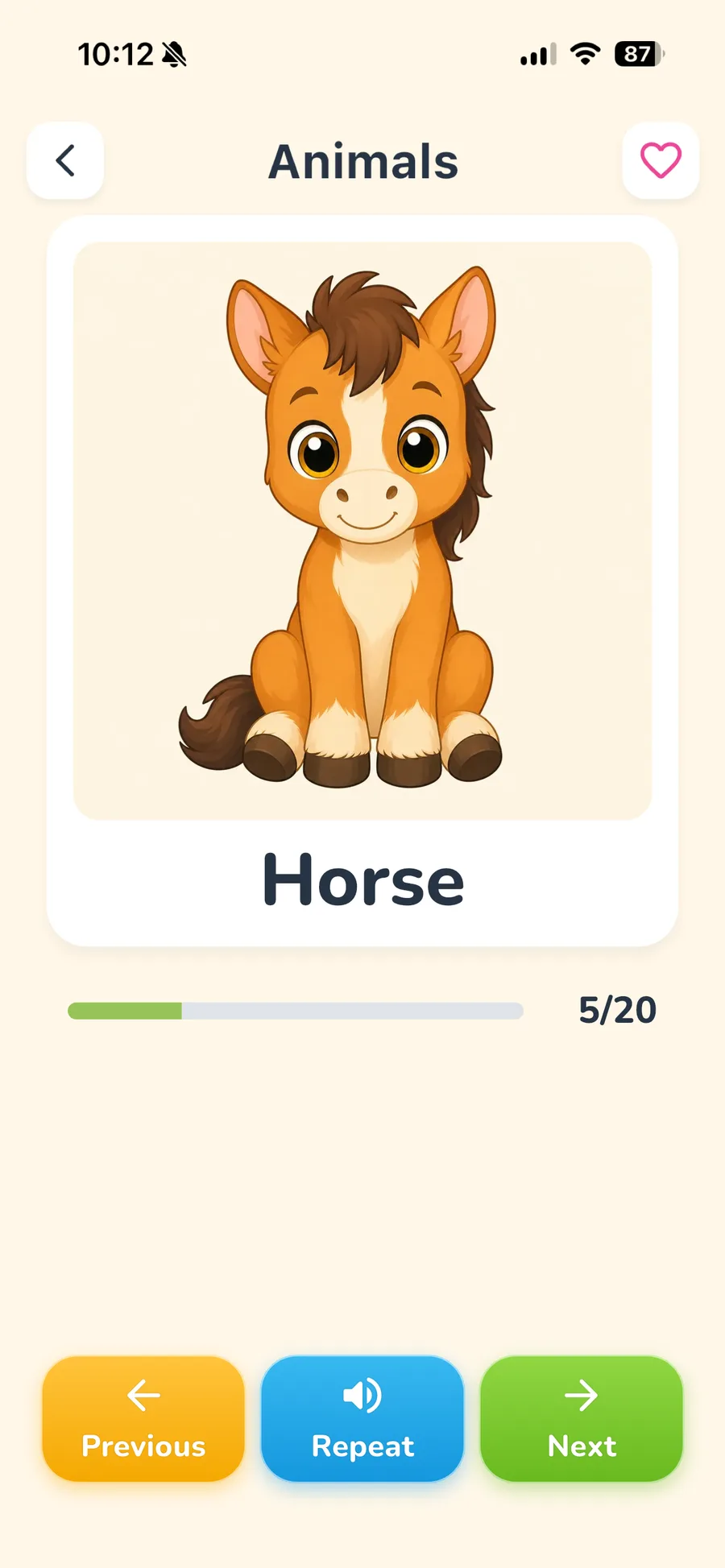
Big pictures make words feel real.
Each flashcard keeps one clear subject in focus. Little learners tap to hear the word, repeat at their own pace, and reveal a translation when it helps.
- Tap-to-hear audio
- Optional translation
- Made for little hands
Play a game
Every try gets a kind response.
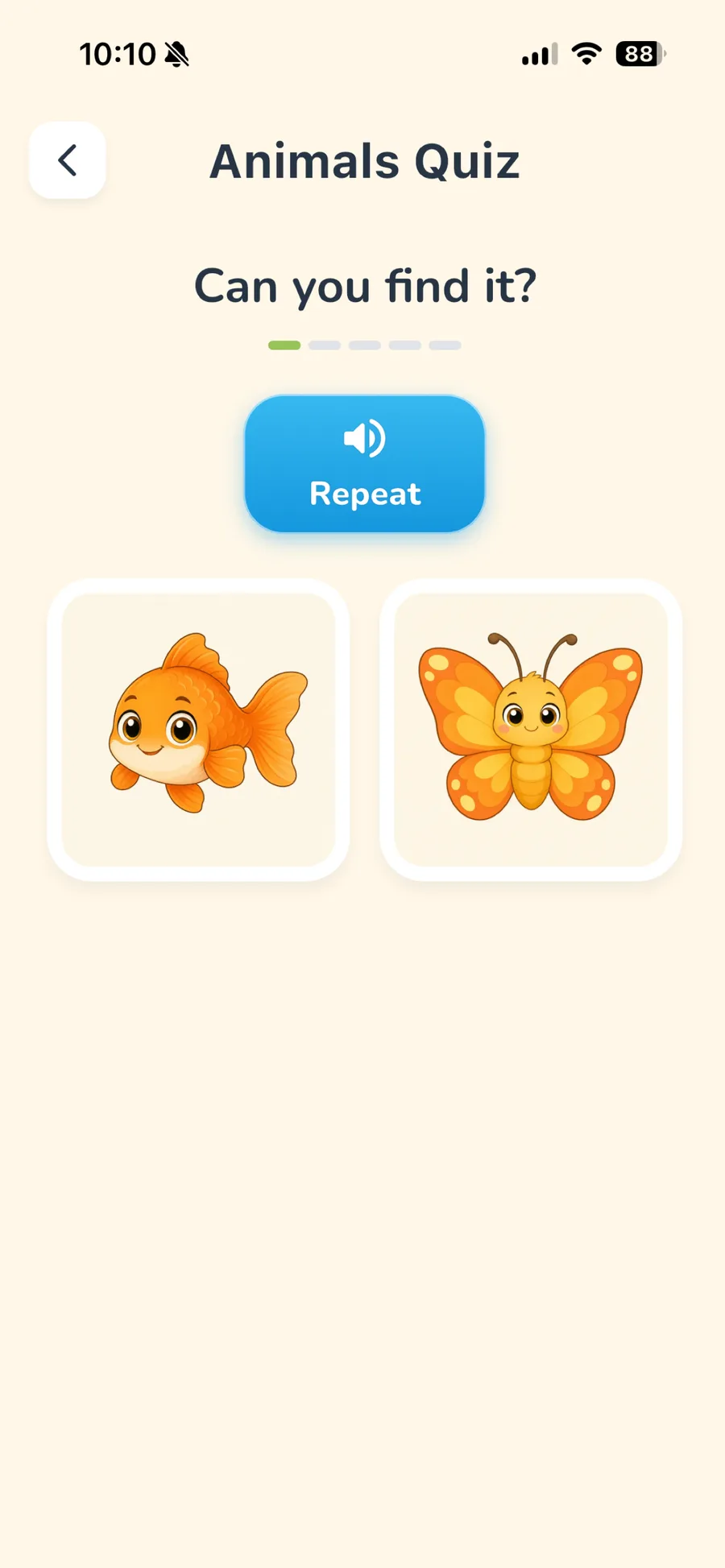
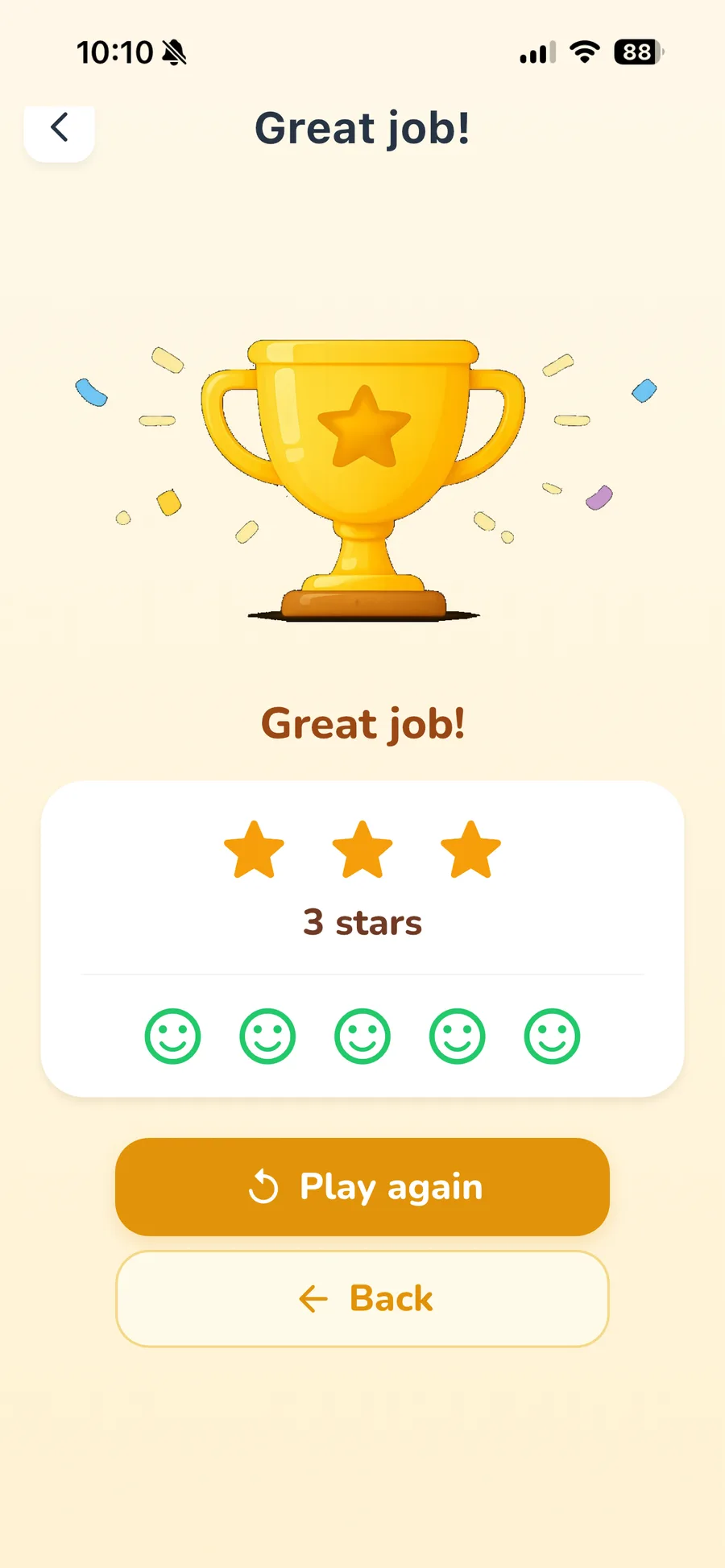
Picture quizzes turn recognition into play. A wrong answer never buzzes, shames, or takes something away—it simply offers another gentle look.
- Picture-first questions
- Encouraging feedback
- No reading required
Practice
Tricky words return to the garden.
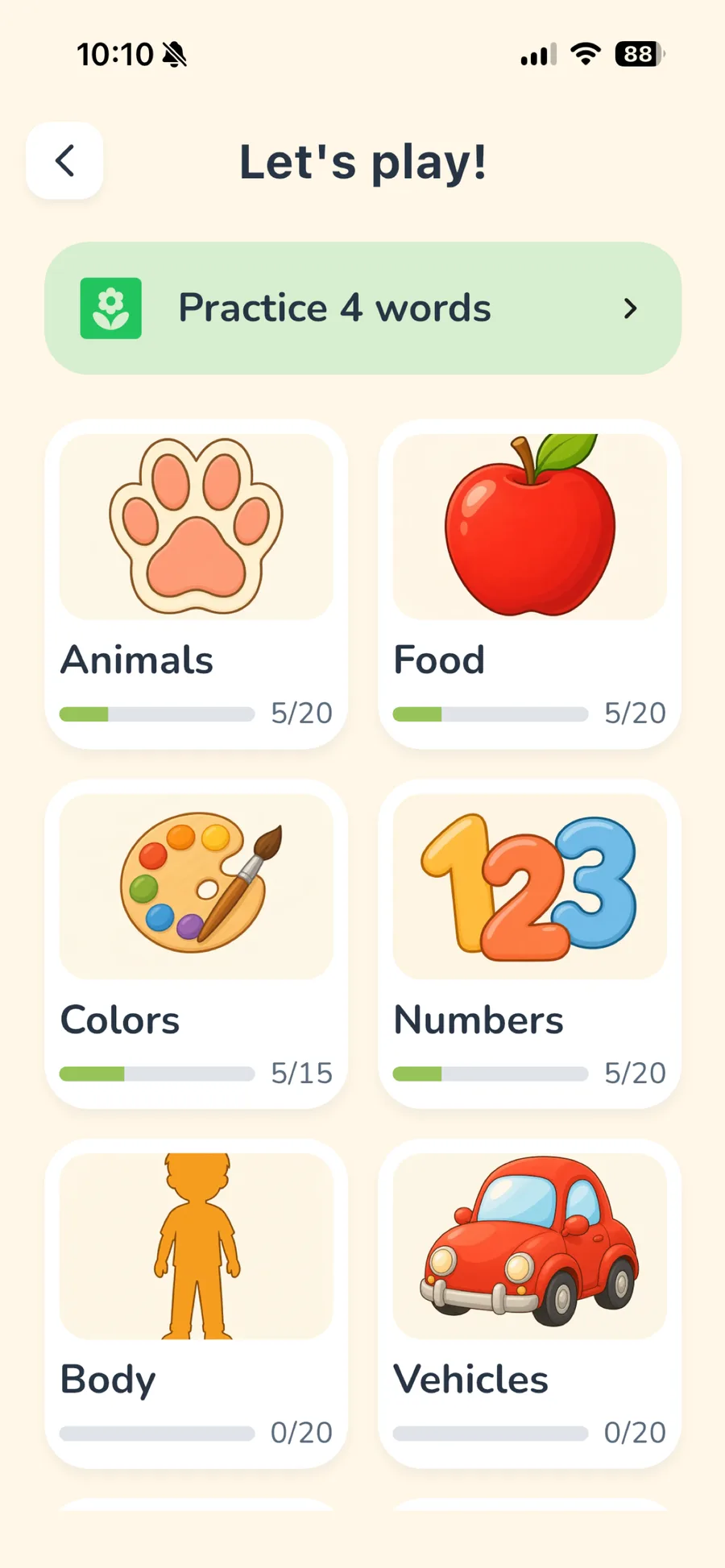
LingoSprout quietly notices which words need more sunshine and brings them back in short, focused practice rounds from the Play hub.
- Smart spaced practice
- Short, calm sessions
- Progress at their pace
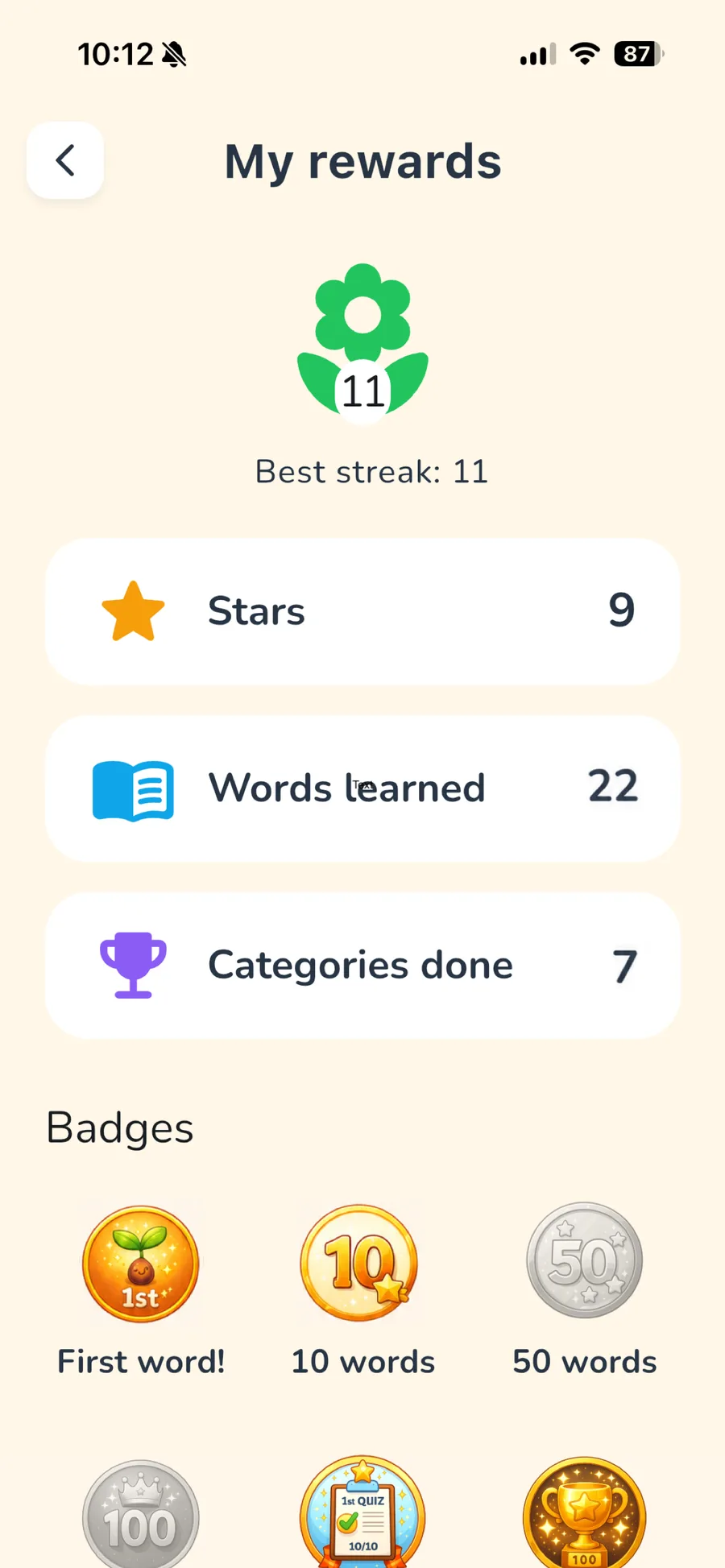
My rewards
Progress without the pressure.
Stars, achievements, and a growing streak flower make effort visible. Missed a day? The next visit starts with a fresh adventure—not guilt.
- Warm achievements
- Kind streaks
- Calm Mode ready
Pre-reader first
They can find their own way.
Home uses three large buttons—Learn words, Play a game, and My rewards—so young children can move through the app before they can read.
- Audio-led navigation
- Large tap targets
- Levels that grow with them
One calm app
English, German and Albanian, side by side.
Three settings that most apps collapse into one: the language of the menus, the language your child is learning, and an optional translation alongside it. Set them independently—so a parent can read the app in their language while a child learns another.
15 playful topics
From animals to music.
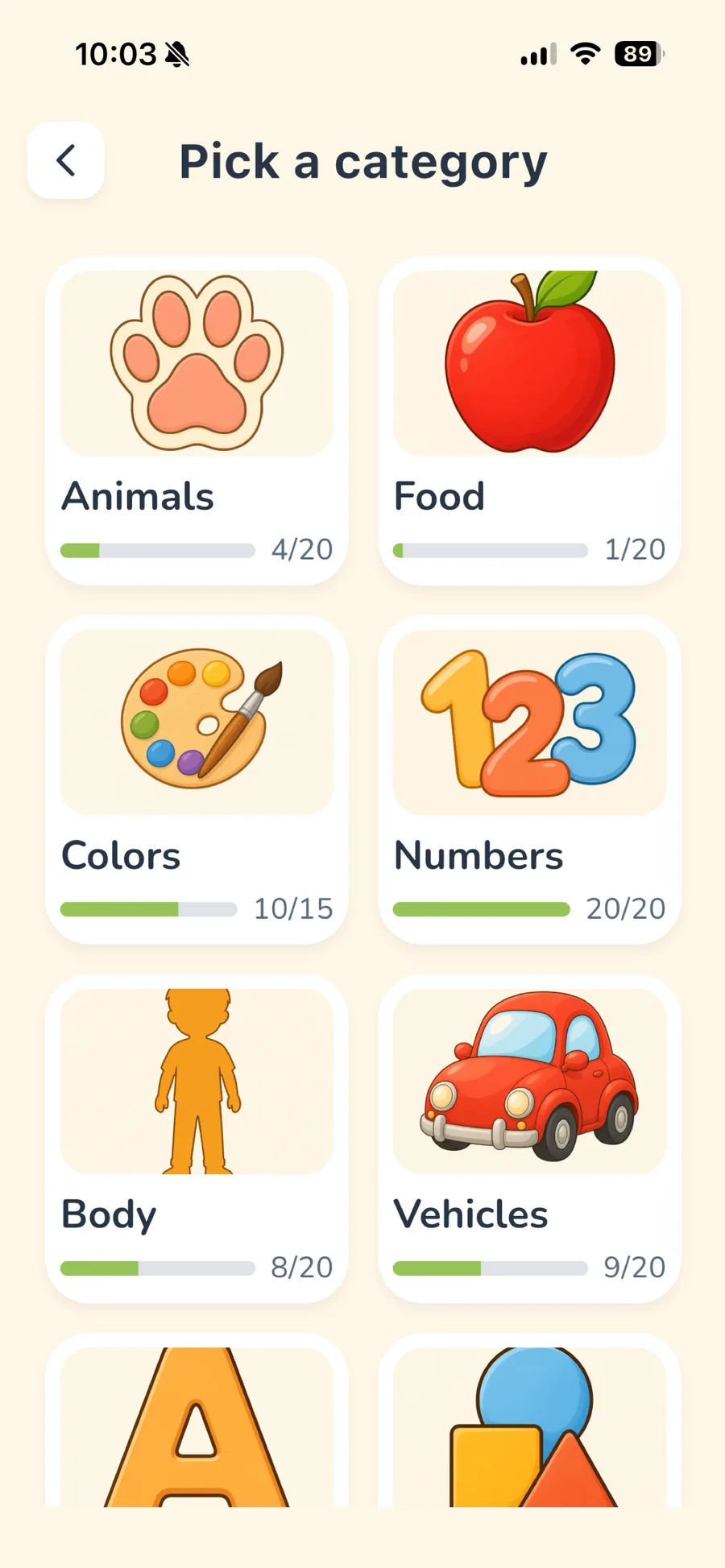
266 picture cards, each carrying its word and audio in all three languages. Start generously with 5 complete categories; grow into 10 more with Premium Lifetime when your family is ready.
Animals
Included freeFood
Included freeColors
Included freeNumbers
Included freeBody
Included freeVehicles
PremiumLetters
PremiumShapes
PremiumNature
PremiumClothing
PremiumHome
PremiumSchool
PremiumJobs
PremiumSports
PremiumMusic
Premium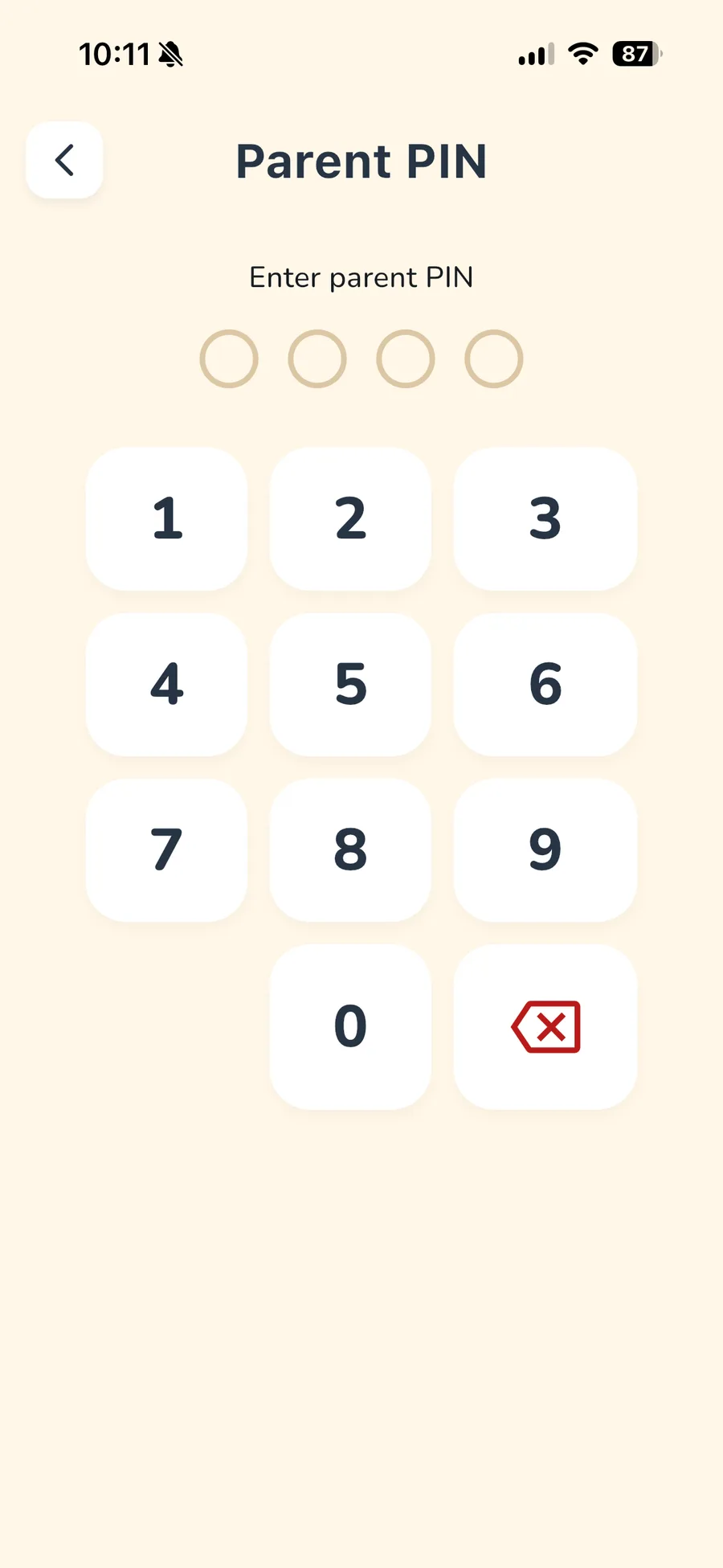
For parents
Built for families who care.
From Home, press and hold the parent icon for about two seconds. Elsewhere, a maths parental gate—or an optional 4-digit Parent PIN when set—keeps grown-up tools out of little hands. When time is up, parents can switch profiles or add +15 minutes.
Privacy & safety
Privacy-friendly by design.
Progress stays on your device. No ads. No tracking SDKs. No social features. The app works offline, with network access reserved for occasional grown-up store restore flows.
Read our privacy promisePremium Lifetime
Every category. Forever.
Open the whole word garden for every child on this device—more categories and premium avatars when your family is ready.
- 10 premium word categories
- 8 additional character avatars
- Future V1 categories and languages
- Available to every profile on the device
Product tour
A peek inside.
Real screens from the shipped app—clear enough for little hands, thoughtful enough for grown-ups. Works on iPhone, iPad and Android.
Explore LingoSprout
Find the part that fits you.
Short pages, each answering one question properly rather than all of them at once.
Questions, answered
Good to know.
What ages is LingoSprout for?
LingoSprout is designed for ages 2 and up, with picture-led controls that work well for pre-readers and difficulty that grows with each child's progress.
Which languages can my child learn?
English, German and Albanian. Every child profile picks one language to learn at a time, with an optional translation shown alongside, and the app's own menus can be set to any of the three independently.
What can we use for free?
Animals, Food, Colors, Numbers, and Body are free in English, German, and Albanian, with the complete Learn, Play, Practice, and Rewards experience plus 8 avatars.
What does Premium unlock?
Premium Lifetime opens 10 more word categories, 8 premium avatars, and future V1 categories and languages for every child on the device. It is a one-time purchase, not a subscription.
Does it work offline?
Yes. Every word, picture and recording ships inside the download, so learning, play, practice, rewards and on-device progress all work in airplane mode. A connection is only needed when a grown-up starts or restores the purchase.
Do you collect children’s data?
LingoSprout has no child accounts, ads, social features, or analytics SDKs. Learning progress stays on the device.
Can multiple children use one device?
Yes. Families can create up to 8 child profiles on one device, each with their own avatar, language choices, progress, and settings.
How do children move around the app?
Home is a simple hub with three large buttons—Learn words, Play a game, and My rewards. Screens push forward with a Back control. There is no bottom tab bar.
What happens when daily time is up?
When a daily limit ends, LingoSprout shows a warm “Time to rest” screen. A parent can exit by switching profiles or adding +15 minutes—both behind the grown-up gate. There is no “Done for today” button.
Where can I get support?
Visit our Support page or email contact@lingosprout.app. We aim to reply within two business days.
Start growing first words today.
5 free categories in English, German and Albanian, and one gentle place to begin.
Need help? Visit support